
Personas in AI Training Videos
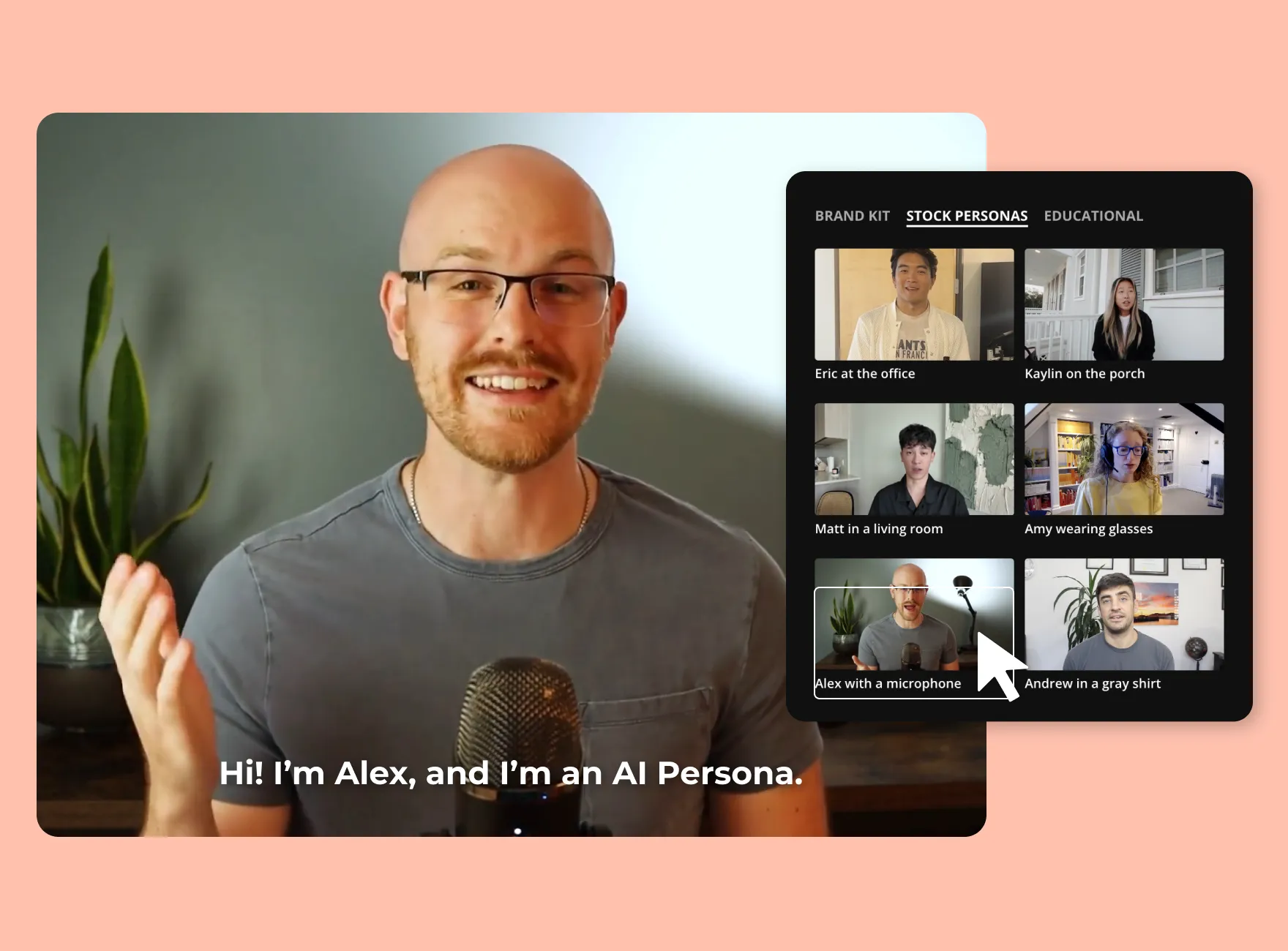

How to get creative using AI
How to develop Personas
Using AI
Empathy Maps
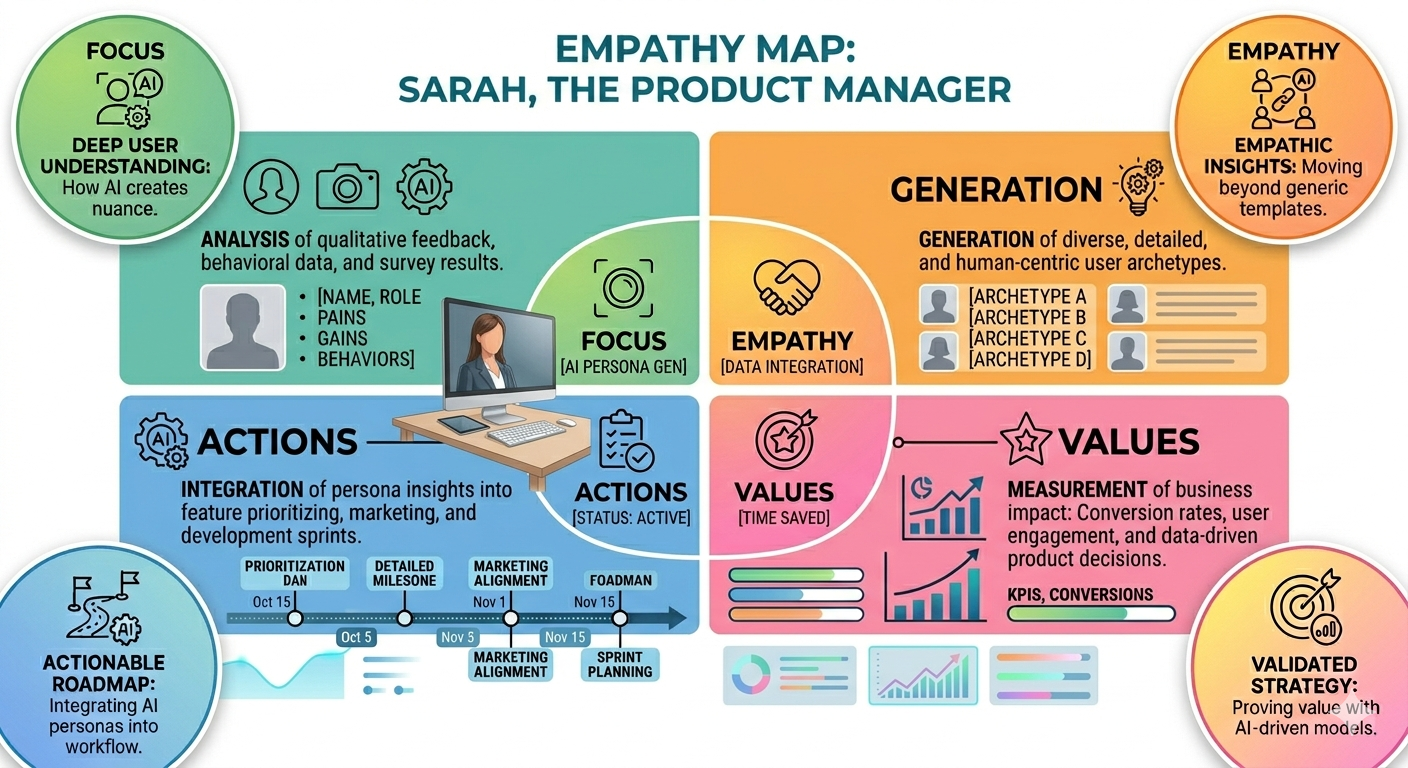
Empathy Maps
Empathy maps give an overall idea of what an individual feels and their concerns
Empathy Maps for AI Video’s
Every AI video should highlight a “Gain” identified in your map. If the persona’s point is a AI learning, the video shouldn’t just talk about AI, it should subtly showcase the topic. The visuals should mirror the user’s aspirations for AI, showing them examples of how AI can work for them specifically, as displayed in the example empathy map above.
Video personas
When you watch an AI video—whether it’s a hyper-personalized ad or a deepfake tutorial—an empathy map helps you reverse-engineer the “why.” By looking at the Pains and Gains quadrants, you can see exactly which human insecurity or desire the AI is trying to solve.
The “Feels” section is crucial to understanding AI videos.
When an AI generates a “persona” for a video (like a digital spokesperson), the “See” and “Hear” quadrants of an empathy map help us analyze if that persona feels authentic to the audience’s real environment.
Does the AI-generated office look like a real workplace?
Does the accent match the region?
If the “See” quadrant of the map doesn’t match the “See” quadrant of the viewer’s real life, the video can lose its power and grip on the audience.
What went well?
The video here includes lots of images, pop-ups throughout the video, and explanations of the topics discussed. She shows visual cues, which help to engage the viewer. Her video provides a clear outlook of what a Persona is and how to create impactful designs through personas.
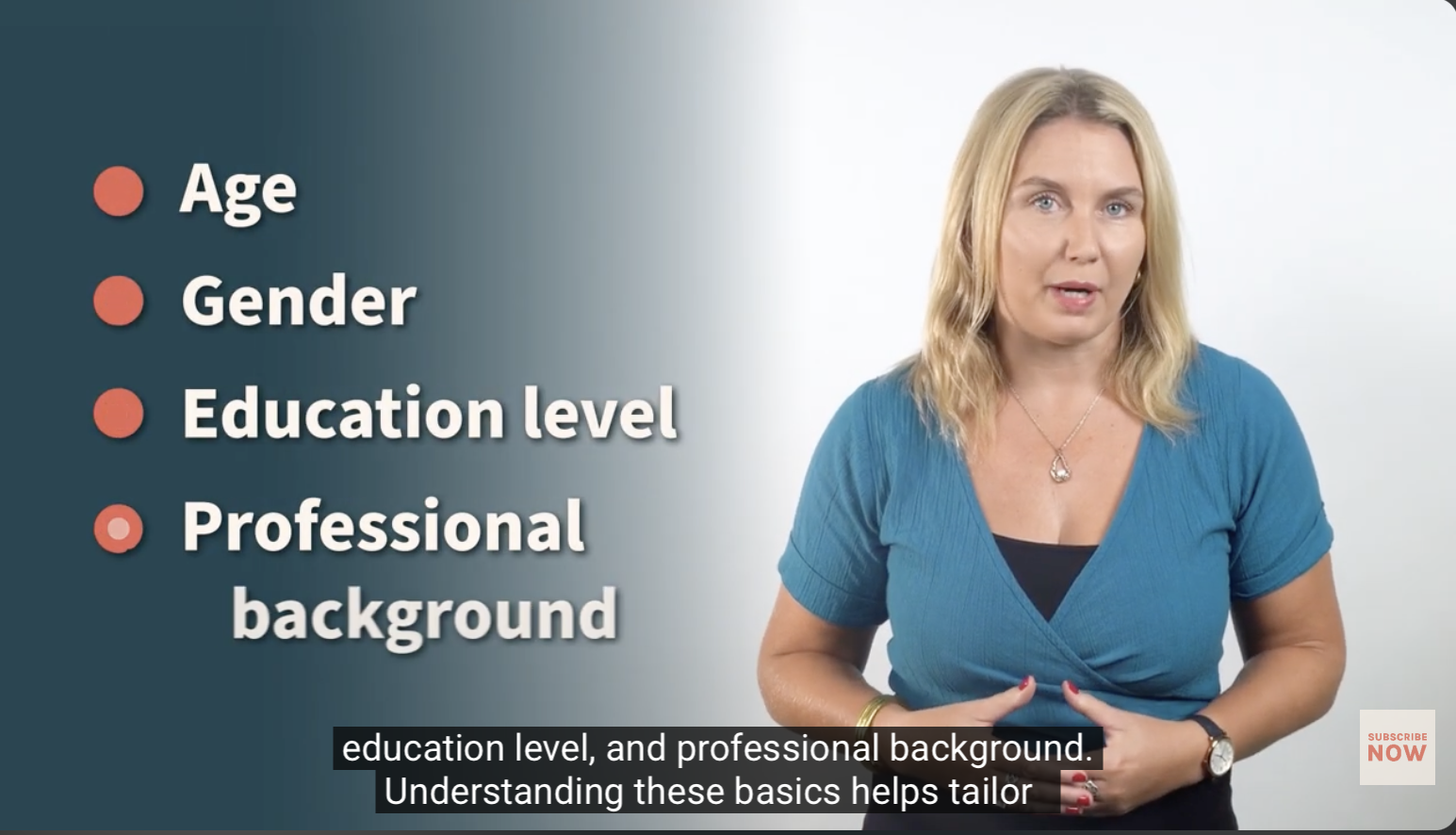
To improve this post, the creator could provide further examples of how personas influence learners, as examples can always help paint a picture of what a clear video should look like.